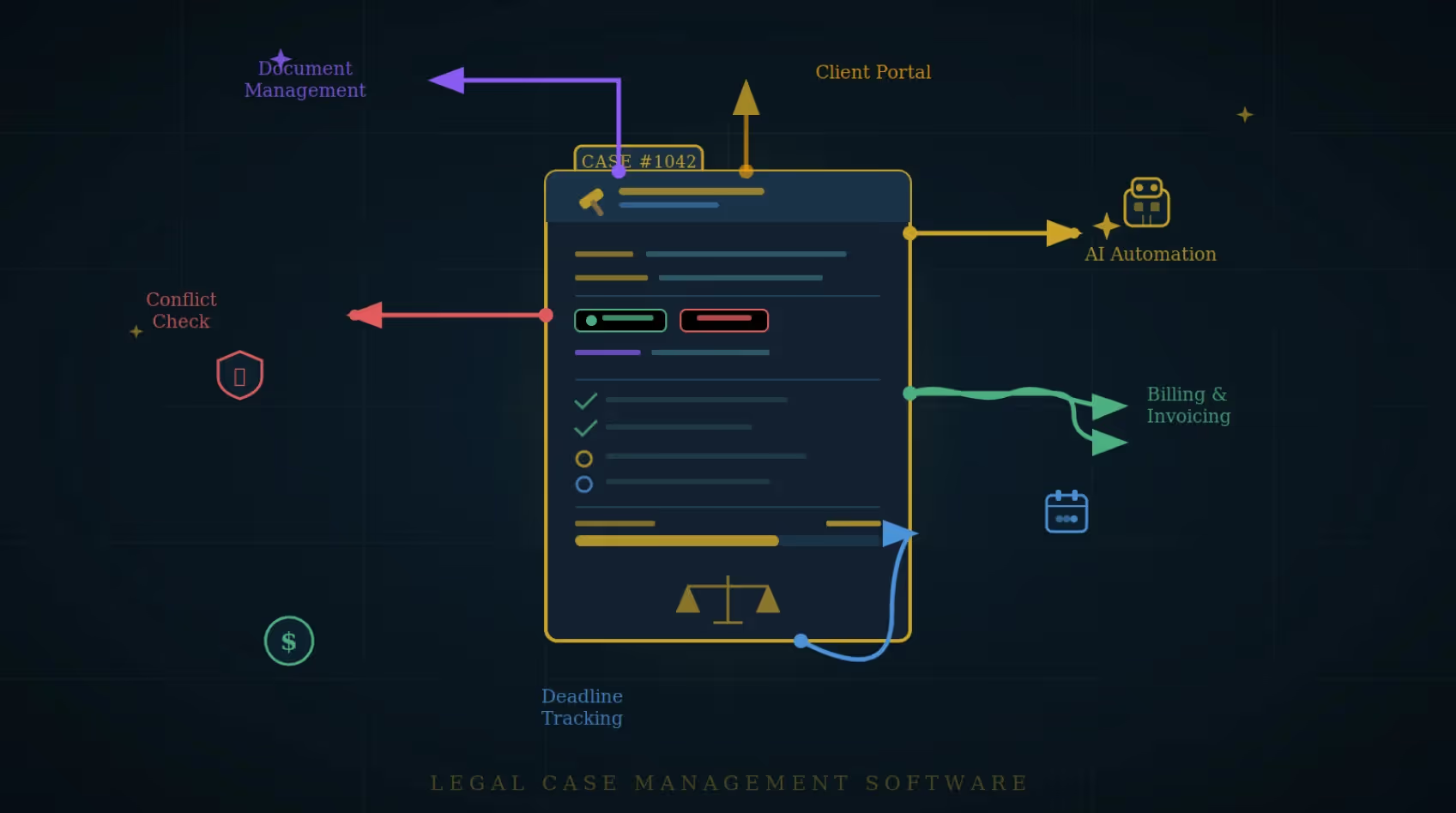

Managing legal cases today takes more than legal skill. It takes the right systems. With deadlines, documents, billing, and client communication happening at once, law firms need a way to stay organized and responsive.
Legal case management software brings everything into one place. It helps teams track tasks, manage files, handle billing, and keep clients informed.
But with so many options available, how do you know which tool is right for your law practice? This guide explores the top legal case management systems every law firm should consider and offers guidance on how to choose the best one for your needs.
What is Legal Case Management Software?
Legal case management software is a digital tool that helps law firms organize, track, and manage their cases in one system. It centralizes case information, documents, deadlines, billing, and client communication.
These tools are used by attorneys, paralegals, and legal support staff across different practice areas to improve operational efficiency and reduce administrative overhead.
Quick Comparison Table: Best Legal Case Management Software for Law Firms in 2026
Top 8 Legal Case Management Software Tools for Law Firms
With dozens of legal case management systems on the market, choosing the right one requires more than just looking at popularity. The best platform for your firm should align with your workflow, firm size, and practice area.
Below are the top legal case management software tools in 2026, highlighting key features, strengths, limitations, and ideal use cases to help you make an informed decision.
1. Clio – A Versatile Legal Case Management Solution
Clio is one of the most widely recognized legal practice management platforms, trusted by thousands of law firms worldwide. Known for its intuitive interface, deep feature set, and third-party integrations, Clio is ideal for firms that want an all-in-one, cloud-based solution that grows with their practice.
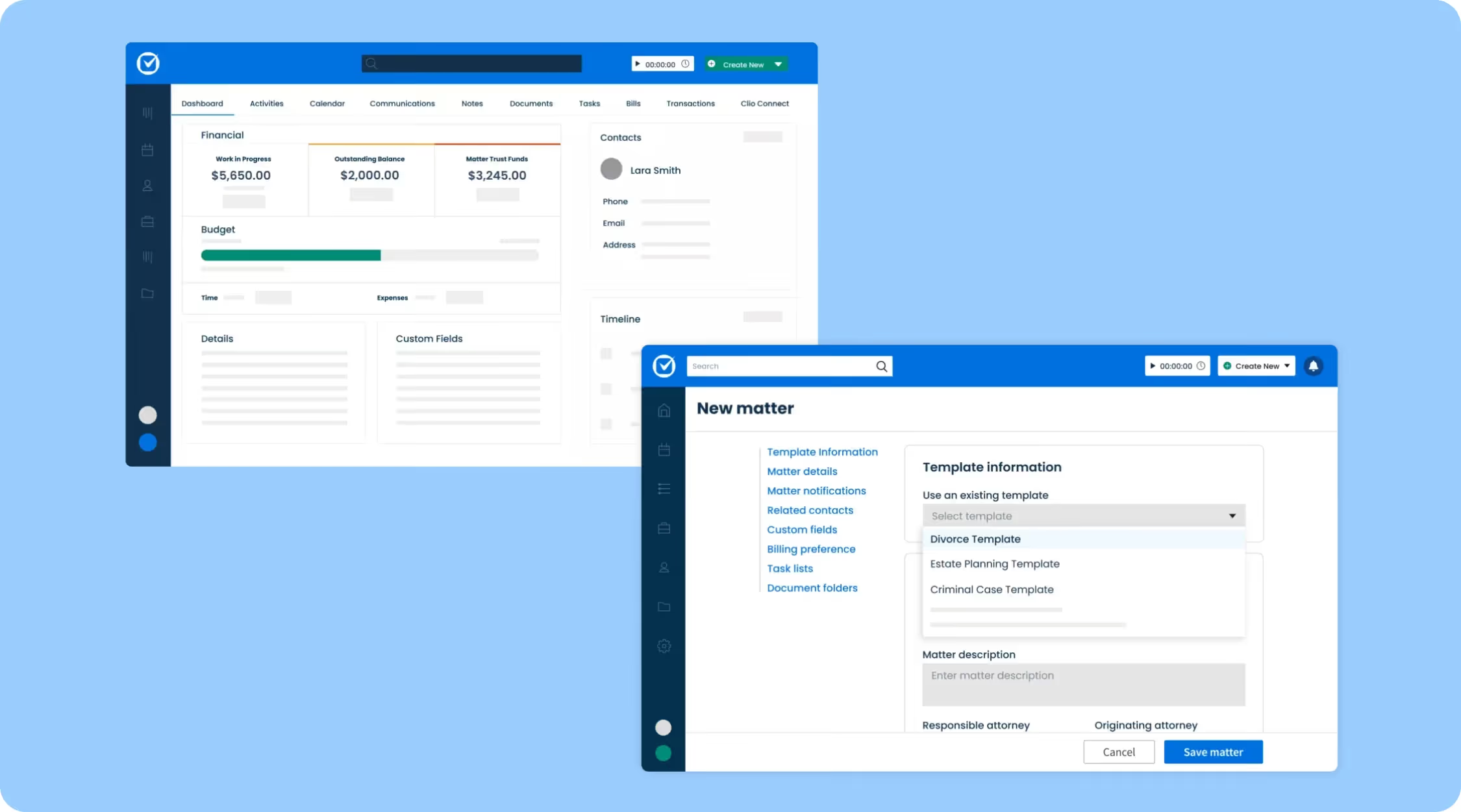
Key features:
- Case and document management
- Integrated time tracking and billing
- Client intake and e-signatures
- Secure client portal
- Over 200 integrations including Microsoft 365, QuickBooks, and Zoom
Pros:
- Excellent support and training resources
- Highly scalable for growing firms
- User-friendly dashboard
Cons:
- Advanced features are locked behind higher-tier pricing plans
2. MyCase – Client-Focused Software for Small Firms
MyCase is an affordable and easy-to-use platform designed to help law firms automate case management while offering strong tools for client engagement. It's best for firms that prioritize accessibility and client engagement.
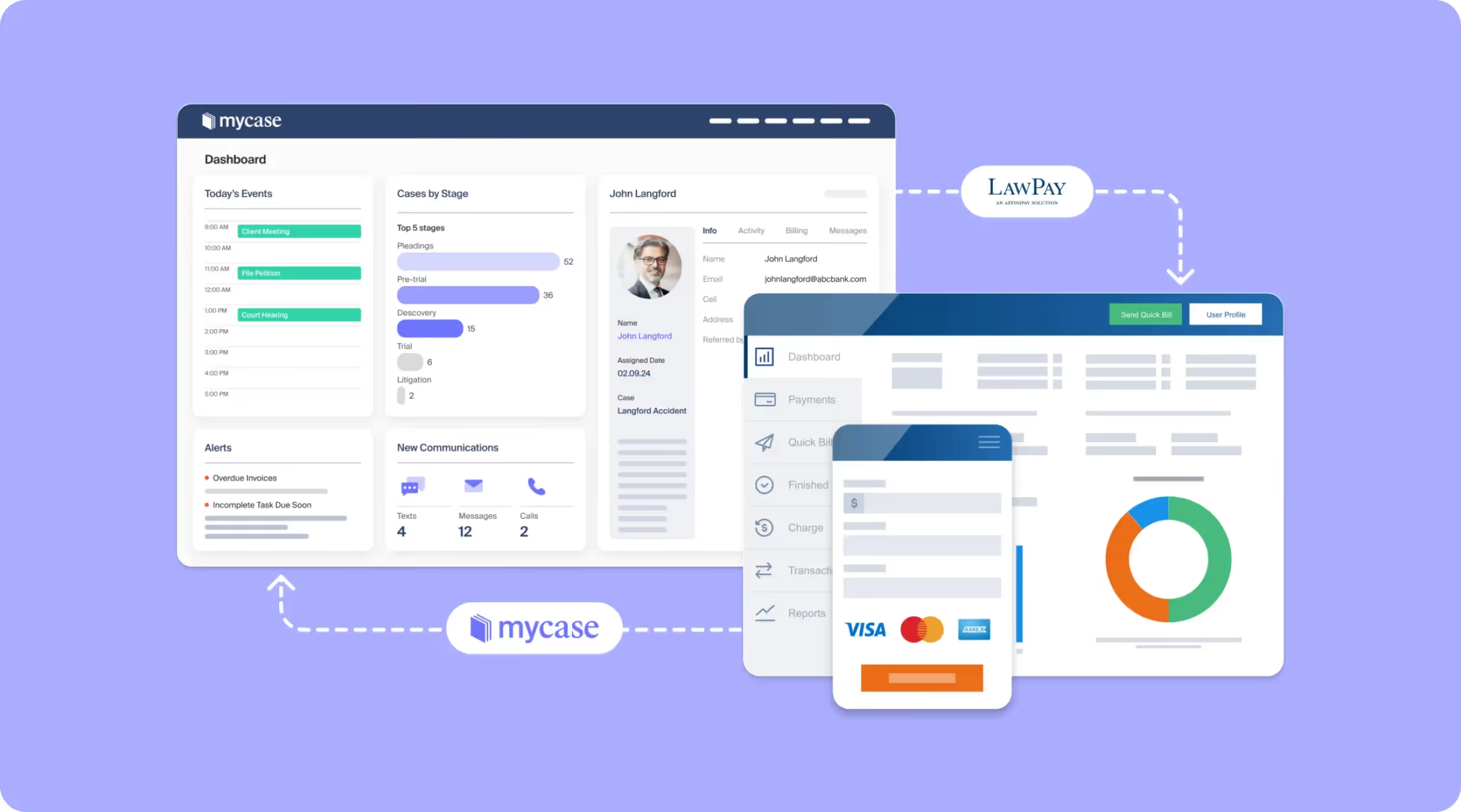
Key Features:
- Built-in client texting and messaging
- Document templates and automation
- Payment processing and billing
- Calendar sync and task management
Pros:
- Strong mobile app performance
- Transparent pricing with few upsells
- Great for improving client satisfaction
Cons:
- Limited advanced customization options
3. PracticePanther – Customizable Legal Practice Management
PracticePanther combines automation with a sleek interface that supports complex workflows, making it ideal for mid-sized firms seeking both structure and flexibility. Its rule-based automations reduce time spent on repetitive tasks like follow-ups and status updates. Teams that want a system that adapts to their process will find it a strong fit.
Key Features:
- Custom automation workflows
- Email and calendar sync with Gmail/Outlook
- Built-in time tracking and billing
- Role-based user permissions
Pros:
- Highly customizable workflows
- Strong integration capabilities
Cons:
- Learning curve for teams new to automation tools
4. Filevine – Best for Litigation-Heavy Practices
Filevine is tailored for litigation-heavy practices and excels in organizing large volumes of case data. It's known for helping firms handle case deadlines, document templates, and collaboration all in one space.
Key Features:
- Custom dashboards and reports
- Document generation and template tools
- Integrated texting and client communication tools
- Real-time case progress tracking
- Medical records and treatment timelines
Pros:
- Excellent for high-volume case tracking
- Strong litigation workflow support
Cons:
- Interface may take time to learn
5. Smokeball – Productivity-Driven Case Management
Smokeball combines desktop functionality with cloud syncing, offering automatic time tracking and an extensive legal forms library. It’s ideal for firms that want tight control over their productivity and billing processes.
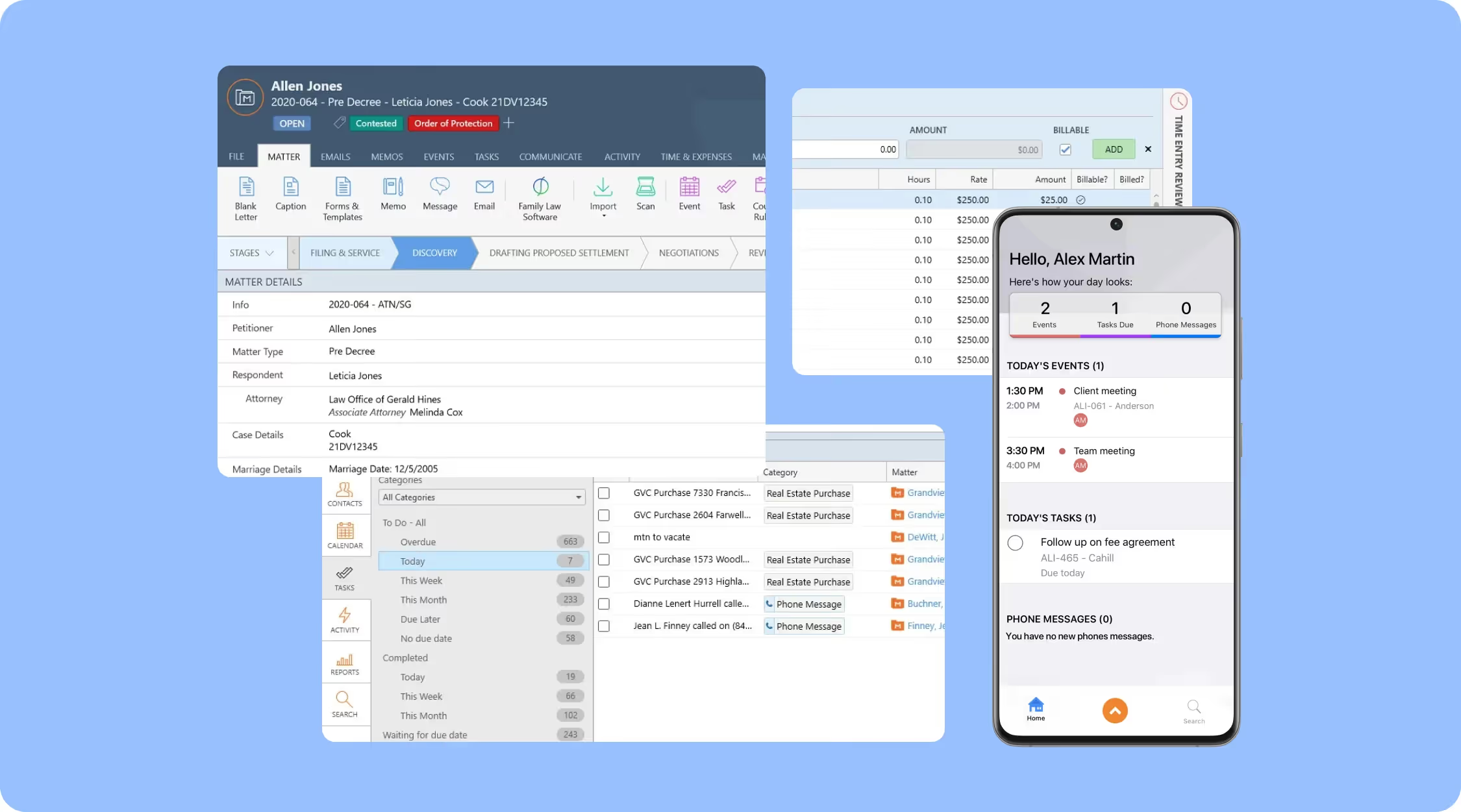
Key Features:
- Auto time and activity tracking
- Outlook email and calendar sync
- Over 20,000 legal forms built-in
- Document automation
- Reporting and performance analytics
Pros:
- Excellent productivity tracking
- Strong built-in form library
Cons:
- Limited mobile access
- Heavier on system resources due to desktop component
6. CASEpeer – Purpose-Built for Personal Injury Law Firms
CASEpeer was built specifically for personal injury attorneys and includes tools for medical records, treatment tracking, lien management, and visual case timelines. It's one of the few platforms that truly understands the lifecycle of a personal injury matter and speaks the language of PI law.
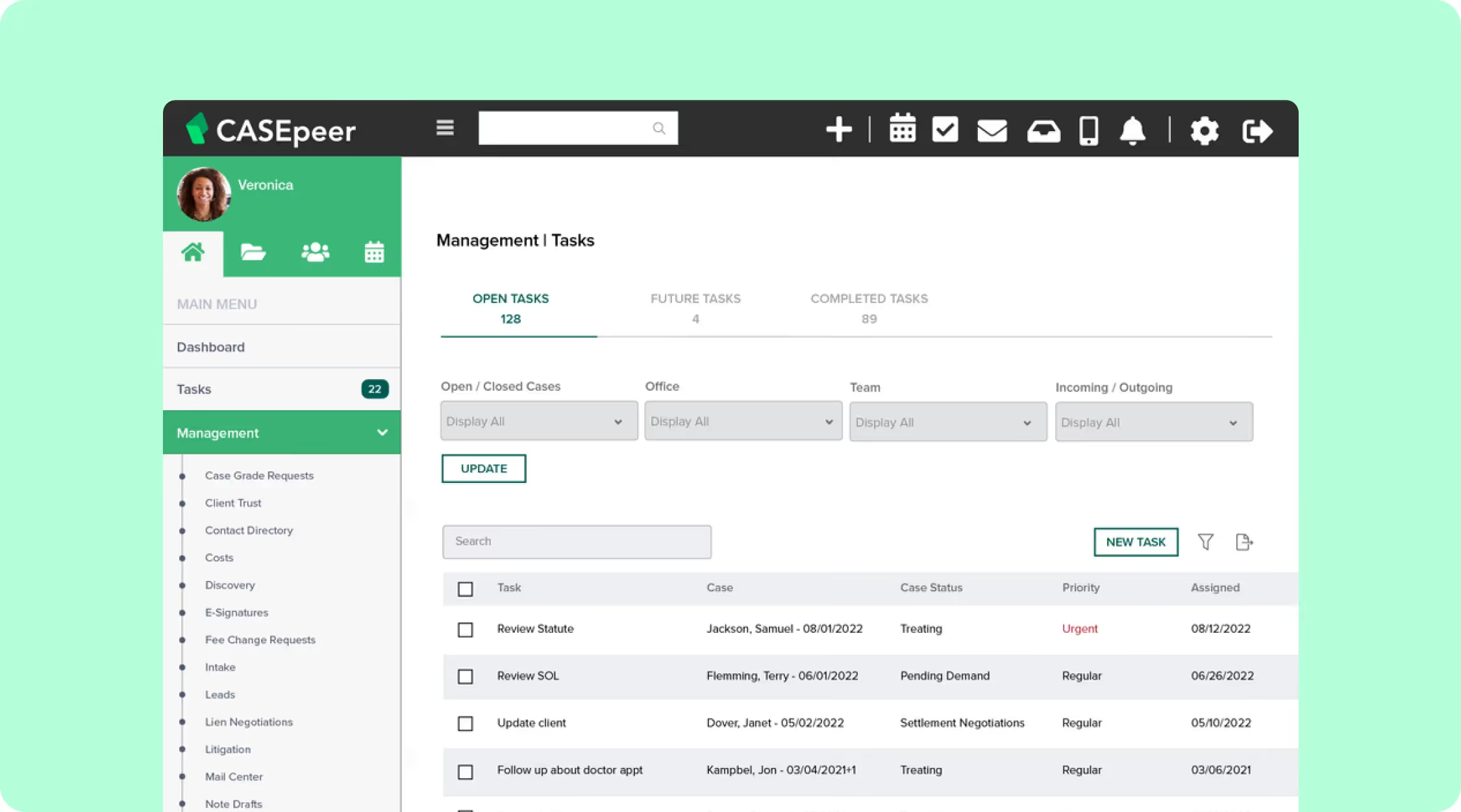
Key Features:
- PI-specific workflows
- Medical record and provider management
- Settlement calculators
- Status tracking
- Intake and document request templates
Pros:
- Designed with personal injury needs in mind
- Clear visual case progression tracking
Cons:
- Limited flexibility for non-PI firms
7. CosmoLex – Integrated Case and Accounting Platform
CosmoLex is a standout for firms that want an all-in-one case and accounting system. It handles trust accounting, billing, and general ledger without requiring QuickBooks. This makes it a cost-effective option for small to mid-sized firms that want to simplify their tech stack.
It's also designed specifically for legal compliance, so you don't have to worry about adapting a generic accounting tool to your firm's needs.
Key Features:
- Time, billing, and accounting in one platform
- Legal-specific trust accounting tools
- Secure cloud-based access
- Client portals and document management
Pros:
- Saves cost on separate accounting tools
- Designed to meet compliance needs
Cons:
- Interface design is not as modern as others
8. Rocket Matter – Workflow and Billing Visibility
Rocket Matter is a cloud-based legal software platform known for its strong billing and project-style task management features. It gives firms clear visibility into revenue and team productivity. Rocket Matter uses Kanban boards to help law firms visualize case progress, making it easy to see where every matter stands at a glance.
Key Features:
- Kanban workflow boards
- Matter budgeting tools
- Detailed billing and productivity reports
- Time and expense tracking
- Integrations with LawPay, QuickBooks, and Outlook
Pros:
- Strong billing and financial reporting capabilities
- Easy-to-use Kanban boards for visual matter tracking
Cons:
- Less robust for firms that need advanced client intake or CRM features
What to Look for in Legal Case Management Tools
Choosing the right legal case management tool is about finding a system that aligns with your firm's workflows, team size, and client needs. It should make daily work easier, not more complicated. Here's a closer look at the features that truly matter and why they should be non-negotiable for any law practice.
Task and deadline tracking
Missing a deadline in legal practice can cost a case—or a client. Look for a system that clearly shows tasks, upcoming deadlines, and court dates. Reminders and calendar syncing with tools like Outlook or Google Calendar should come standard. Everyone on your team should be able to see what's due and when.
Secure document management and storage
Law firms handle massive volumes of sensitive legal documents and client records. A reliable system should:
- Make it easy to store, organize, search, and share files within your team
- Provide version history so you can track changes
- Offer cloud access so files aren’t locked to a single computer
- Include strong security features such as encryption and permission controls
Time tracking, billing, and trust accounting
Choose software that lets you log billable hours automatically or manually, generate invoices, and track expenses. For firms handling client trust accounts, built-in trust accounting features can save time and ensure compliance with legal finance regulations.
Client communication and client portal
Client communication is easier and more secure with built-in client portals. They allow clients to upload documents, track case progress, schedule meetings, and communicate with your legal team without relying on email threads.
The ideal system integrates with Microsoft Outlook, Gmail, and Microsoft Teams. Look for tools that support client messaging, virtual meetings, email logging, and internal messaging to improve collaboration among legal teams.
Automated workflows
Legal professionals often lose time to repetitive tasks such as follow-ups, document generation, and status updates. Case management systems that offer workflow automation, template-based document creation, and rule-based triggers help save time and reduce human error.
Customizable dashboards
Your team should be able to customize views to track what matters most—whether that's upcoming deadlines, hours logged, or open cases. Reporting features should help firm owners make data-informed decisions, monitor performance, and identify workflow bottlenecks.
Cloud-based systems
Cloud-based systems let you access cases and files from anywhere. This is important for remote work, hybrid offices, or firms with multiple locations. Mobile-friendly apps that support secure, on-the-go access are a major advantage.
Security and compliance
Handling sensitive client data requires strict adherence to data privacy laws and industry best practices. The system should support user-level permissions, activity logs, document encryption, and secure data backups. Compliance with regulations such as HIPAA or GDPR may be necessary, depending on your jurisdiction and client base.
User-friendly interface and support
Ease of use is critical to proper adoption. Choose software with intuitive navigation, a clean interface, and an onboarding process that includes training, help documentation, and live support. Legal teams should not need weeks of training to get started.
Scalability and pricing
The best tools scale with your firm's growth. Look for flexible plans and feature sets that can accommodate your team as it grows. Be cautious of hidden costs—some platforms charge extra for basic features like document storage, e-signatures, or adding new users.
How to Choose the Right Legal Case Management System
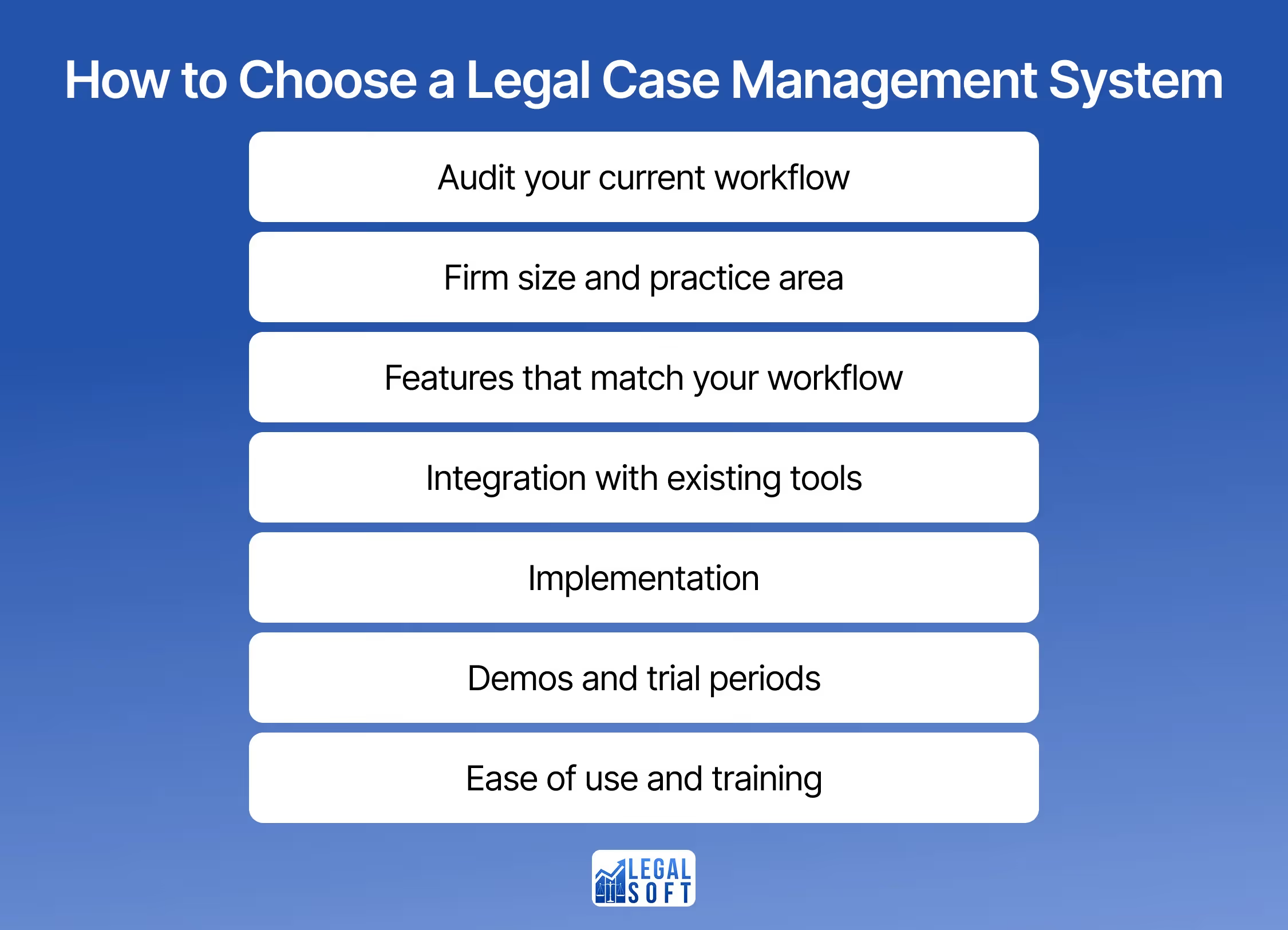
With so many tools available, making the right choice depends on your law firm's specific needs. Here are key considerations:
- Audit your current workflow: Before evaluating any software, take stock of where your current process breaks down. Identify which tasks eat up the most time, where errors tend to happen, and which tools your team already uses. This gives you a clear baseline so you can evaluate new software against real pain points.
- Firm size and practice area: Solo firms may need simplicity and affordability, while mid-sized or large firms may want advanced automation and collaboration tools. Practice areas like personal injury law or immigration may benefit from niche-specific platforms.
- Features that match your workflow: Prioritize features that directly support your workflow. For example, if client communication is critical, look for tools with built-in client portals and messaging systems.
- Integration with existing tools: Make sure the platform integrates well with Microsoft Word, Outlook, Teams, and other tools you already use.
- Implementation: Even the best software fails if adoption is poor. Ask vendors about the implementation timeline, data migration process, and what onboarding support is included. Some platforms assign a dedicated onboarding specialist, while others rely on self-guided resources.
- Demos and trial periods: Always test before you commit. Most platforms offer free demos or trial periods, so use them to involve your actual team that will use the software daily to catch usability issues that a solo decision-maker might miss.
- Ease of use and training: Choose tools with a user-friendly interface and available onboarding support. A steep learning curve can slow down adoption and reduce the return on your investment.
Pairing Case Management Software Systems with the Right Support
Legal case management software is a must for modern law firms. By helping them organize documents, track deadlines, manage client information, and handle routine tasks, these platforms give law firms the structure they need to stay on top of their work.
But having the right software is only part of the solution. You also need the right people to manage it.
At Legal Soft, our virtual case managers are trained to work with the legal case management systems your firm already uses. Whether you're using a cloud-based platform or a custom setup, our virtual professionals integrate seamlessly into your workflow. They handle document automation, deadline tracking, and client communication, while supporting day-to-day operations.
Ready to save time and stay organized? Let us match you with a virtual case manager who understands your tools and how your firm works.
Frequently Asked Questions
What is the best case management software for small law firms?
MyCase and Clio are excellent choices for small law firms with 2 to 10 employees. Both platforms offer affordable monthly plans, easy onboarding, and do not require a dedicated IT team to manage.
What is the best case management software for mid-sized law firms?
Mid-sized firms with 11 to 50 employees often benefit most from Clio or PracticePanther. These platforms provide advanced automation and collaboration features that help larger teams coordinate complex matters.
What is the best case management software for solo attorneys?
Solo attorneys benefit most from tools that are affordable, easy to set up, and low maintenance. MyCase or CosmoLex can be ideal, as they include billing and trust accounting without requiring a separate accounting system.
What software is best for managing high-volume legal cases?
Filevine is a strong choice for firms handling large volumes of cases at once. It's built for real-time case tracking, custom dashboards, and document generation at scale. CASEpeer is another solid option if your high-volume work is in personal injury.
Is there free case management software?
Most reputable legal case management platforms don't offer a permanent free version, though many provide free trials and demos so law firms can test the software before committing to a paid plan.
Are legal case management software reliable for litigation?
Yes. Several platforms are specifically designed to support litigation workflows, offering features such as docketing, court deadline calculations, evidence management, and task automation.