

Phone coverage remains one of the biggest challenges in law firm intake. In our research for Law Firm Client Intake Statistics for 2026, we found a recurring problem across the studies we reviewed. Potential clients are reaching out, but many law firms struggle to answer calls consistently or respond quickly enough.
AI call centers help solve this problem by using AI voice agents to answer calls around the clock. These agents can be trained to follow a law firm's intake process and ask qualifying questions. But not every AI call center is built to handle the way law firms operate.
At Legal Soft, we've worked with more than 1,000 law firms, helping them support their intake operations with remote legal intake specialists. We've seen firsthand what goes into running a successful intake operation, from the people answering calls to the systems behind them.
In this guide, we compare five AI call centers we believe are worth considering in 2026, including what each offers and how they differ.
What Is an AI Call Center for Law Firms?
An AI call center for law firms is software that uses conversational AI voice agents to answer calls without requiring a person to pick up first. Unlike traditional phone systems that ask callers to "press 1 for billing," an AI call center lets callers speak naturally and responds to their questions in real time.
A good AI call center runs your intake script, books consultations, and logs every call in your case management software. Your team then picks up where the AI left off.
How an AI Call Center Handles a New Client Call
Here is what a typical call looks like from ring to follow-up:
- Answers on the first ring. The agent greets the caller with your firm's name, any required recording notice, and, in some setups, a note that it is an AI assistant.
- Identifies the caller. It sorts the call into a new lead, an existing client, opposing counsel, a court, a vendor, or spam.
- Run your intake questions. It asks about practice area, incident date, location, injuries or charges, and the names of other parties for conflict screening.
- Check your rules. It compares answers against the cases you accept, such as jurisdiction, case type, and how close the matter is to a filing deadline.
- Books or transfers. Qualified callers get a consultation on your calendar. Urgent matters, like an arrest in progress, get transferred to the on-call attorney.
- Logs everything. You get a summary, transcript, and recording by email or text, and the contact lands in your CRM or case management software.
- Follow up. If the caller hangs up early or misses the consultation, the system can send a text or place a reminder call.
How We Picked the Top AI Call Centers
We ranked each AI call center on how well it handles a real law firm intake call, from the first ring to a booked consultation in your system. Feature lists alone didn't count.
These are the seven criteria we used:
- Legal Intake Depth: Generic scripts ask the wrong follow-up questions. We looked for practice-area scripts, conflict name capture, and deadline and jurisdiction screening.
- Human Escalation: Some calls need a person. We looked for warm transfers that pass along call context, or live agents on standby.
- Integrations: Retyping intake notes wastes staff time. We checked for connections to Clio, MyCase, Filevine, Lawmatics, PracticePanther, calendars, and CRMs.
- Security: Callers share confidential and medical details. We looked for SOC 2 Type II, HIPAA and BAA availability, encryption, and data retention controls.
- Pricing Model: Per-call and per-minute bills swing with volume. We favored flat-rate options, clear overage rules, and free trials.
- Setup Effort: Small firms don't have IT departments. We looked at self-serve setup, onboarding help, and time to go live.
- Language Support: Many firms serve Spanish-speaking clients. We looked for native bilingual intake, not just translation. We left out human-only answering services, and also skipped general chatbot builders that only work on websites. Every pick below answers live phone calls.
Top AI Call Centers for Law Firms at a Glance
If you only have a minute, start here. Each pick is covered in detail further down.
Prices change often. We list what vendors or verified software directories published as of November 2026, so confirm current rates on each vendor's pricing page before you sign.
The 5 Top AI Call Centers for Law Firms in 2026
Each review below covers what the platform does, what it costs, where it falls short, and which firms it fits. They are ranked by overall fit for a typical small or mid-size firm.
1. AI Answering
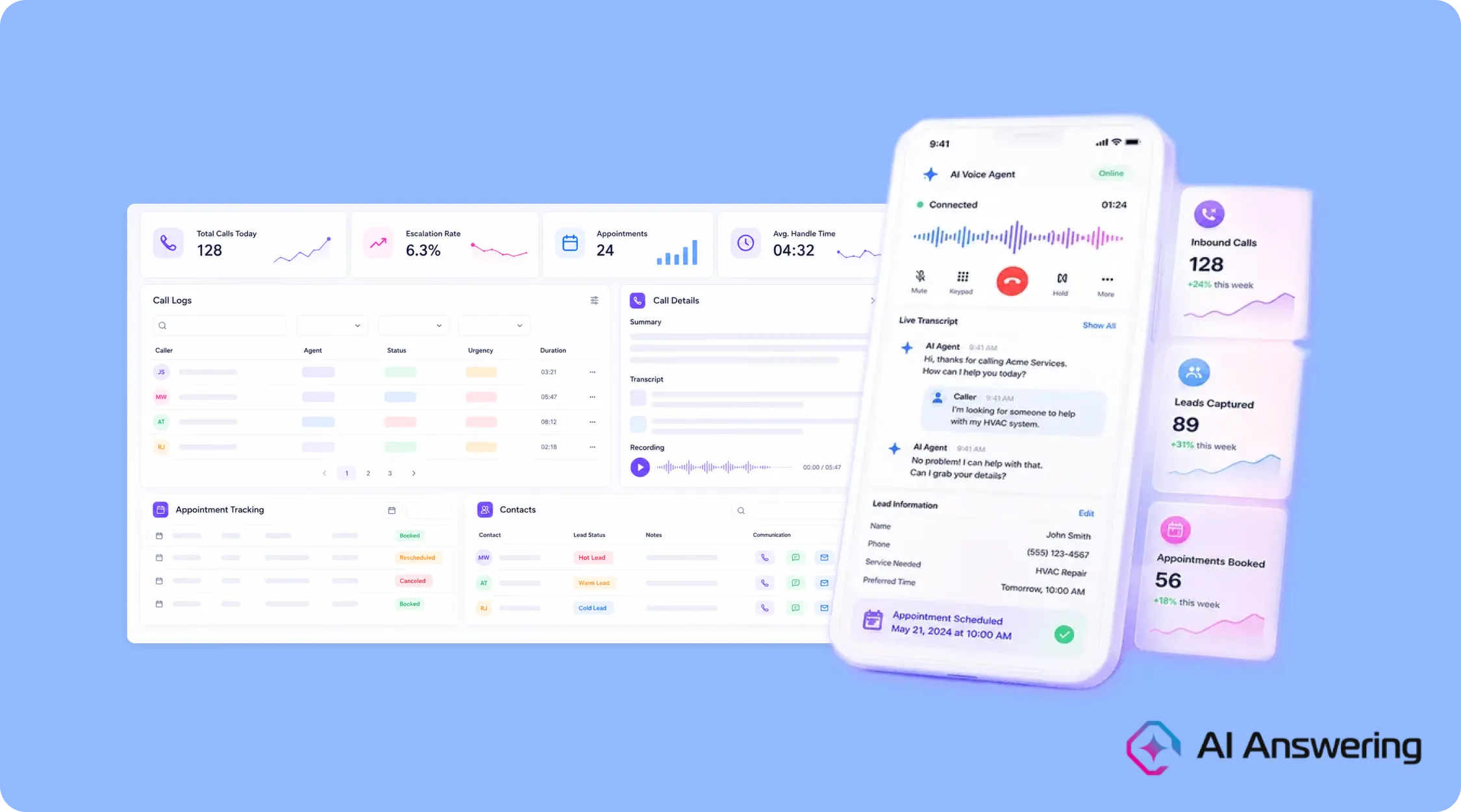
AI Answering is the best overall AI call center for small and mid-size law firms because it covers the full call lifecycle at a flat monthly price. Its voice agents answer, run intake, book consultations, and follow up, all from one dashboard.
The platform is built for businesses that depend on inbound calls and lack 24/7 front desk coverage. According to its Capterra listing, small and mid-size law firms are one of its core user groups.
Key features
- Inbound and outbound calling. The AI handles new calls, callbacks, and follow-ups, so missed leads get a second touch.
- Intake and lead capture. Agents collect case details in natural conversation and update contact records automatically.
- Live-agent escalation. Complex calls go to a person, along with the call context, so the caller doesn't repeat their story.
- Real-time scheduling. Consultations book directly on your calendar, with reminders sent to the caller.
Pricing: Monthly plans start at $45 for 30 calls, with custom pricing available for enterprises. A pay-as-you-go option is also available at $1.50 per AI call. Live human agents cost an additional $3.50 per call on any plan.
Pros
- A one-month free trial lets you test it on real calls before you pay.
- Flat pricing makes monthly costs predictable during ad campaigns or seasonal spikes.
- Covers inbound calls, outbound follow-up, and scheduling in one tool.
- Escalation with context keeps the caller experience smooth when a human is needed.
- Setup is mostly self-serve: you set your hours, greetings, and preferences.
Cons
- Language support is limited to English and Spanish.
- Service is available in the United States only.
- It is a newer platform, so public user reviews are still limited.
Best for: Small and mid-size firms that want complete AI intake without per-call billing.
2. Smith.ai
Smith.ai is the best choice for firms that want AI to answer first and a trained human to step in on sensitive calls. It is one of the most established names in legal call answering.
Smith.ai says it handles more than 400,000 calls a month for over 5,000 businesses, and roughly 80% of them are law firms, according to its 2026 guide to AI answering services. Its AI agents work alongside 500+ North American live receptionists.
Key features
- Hybrid model. The AI receptionist screens and qualifies callers, then escalates complex or emotional calls to live agents.
- Legal integrations. Intake data syncs with Clio, MyCase, Lawmatics, Salesforce, and CallRail.
- Bilingual intake. English and Spanish scripts are available.
- Sensitive data handling. Reviewers note it redacts Social Security and credit card numbers from call records.
- Chat coverage. Website chat can run alongside phone answering.
Pricing: Third-party reviews put AI-only plans at about $95 per month for 50 calls, with overage around $2.40 per call. Human receptionist plans start near $292.50 per month for 30 calls. Add-ons like appointment booking cost extra per call.
Pros
- Live human backup for criminal defense, family law, and other emotional calls.
- Deep, well-tested integrations with the case management tools most firms already use.
- Long track record with law firms.
Cons
- Per-call billing gets expensive as volume grows.
- Per-call add-on fees make the real monthly cost harder to predict.
- Human plans cost much more than AI-only options.
Best for: Firms handling roughly 30 to 150 calls a month that want a person available for high-stakes conversations.
3. Dialzara
Dialzara is the best fit for solo and small firms that want 24/7 AI intake at a low monthly cost. It answers every call, follows intake questions your firm approves, and sends your team a summary after each call.
It offers a dedicated setup for law firms. The AI stays within your approved intake script, while your attorneys keep control of conflict checks, legal advice, and engagement decisions.
Key features
- Firm-approved intake. The AI collects contact details, matter type, and other facts using only the questions you configure.
- Rule-based escalation. Urgent calls transfer to an approved attorney or staff member under your priority rules, or the AI takes a message.
- Practice-area routing. Callers are routed by the matter categories and destinations your firm defines.
- Consultation scheduling. The AI offers open times from a connected calendar.
- 10 languages. Every plan answers in 10 languages, including English and Spanish, with automatic language detection.
Pricing: Business Lite costs $29 per month for 60 minutes, then $0.48 per minute. Business Pro costs $99 for 220 minutes, and Business Plus costs $199 for 500 minutes. Plans include a 7-day free trial and no setup fees.
Pros
- Lowest starting price on this list.
- Multilingual intake on every plan.
- Setup help is included with paid plans.
Cons
- No live receptionist option, so every call stays with the AI.
- Per-minute overages add up with long intake calls.
- Clio and other CRMs connect through Zapier rather than a native integration.
Best for: Solo and small firms with modest call volume that want affordable 24/7 coverage.
4. CloudTalk
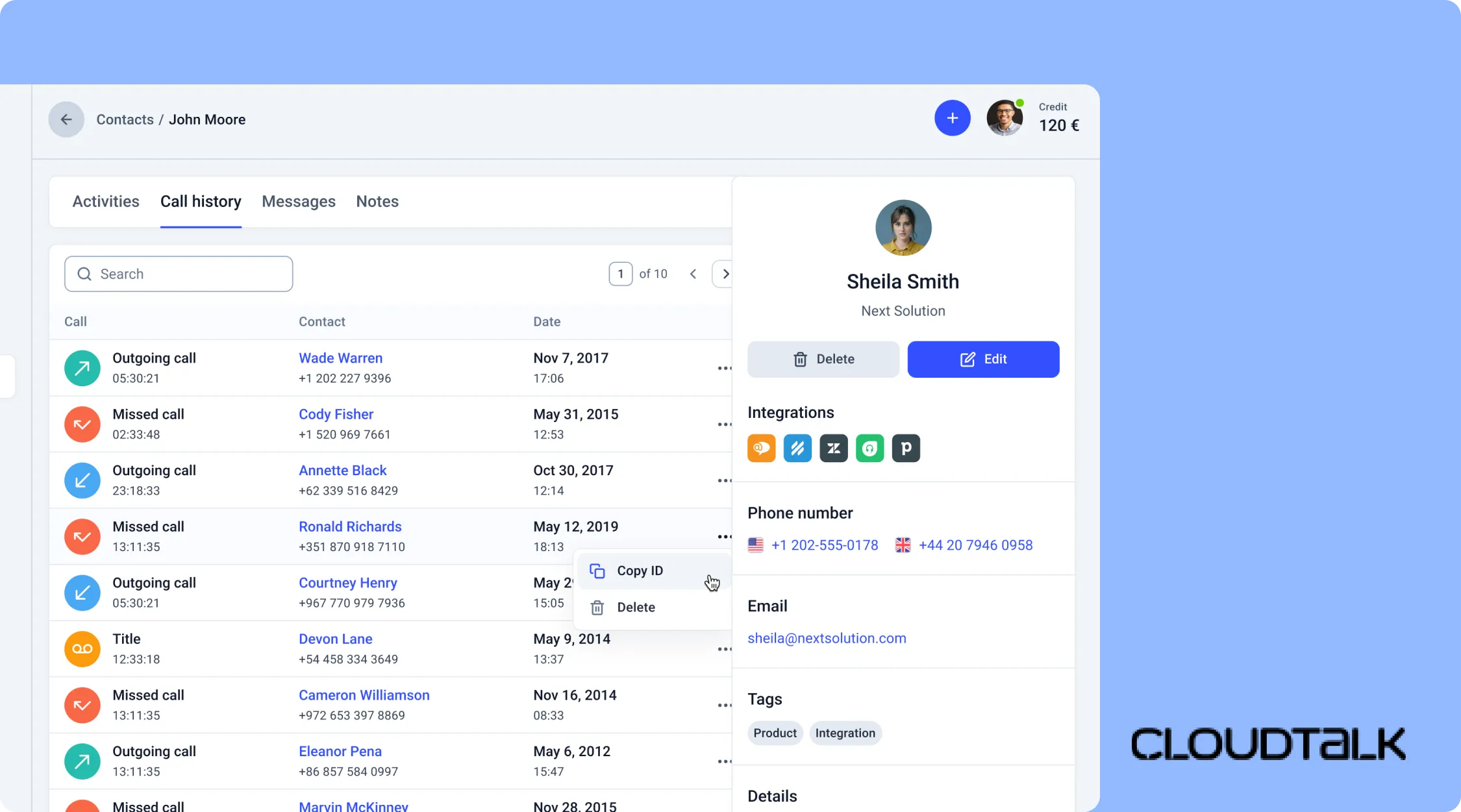
CloudTalk is the best pick for firms that want to replace their phone system and add an AI receptionist in the same move. It is a cloud calling platform with AI voice agents built in.
Instead of forwarding calls to an outside service, your main line, staff extensions, and AI receptionist all live in one system.
Key features
- Business phone system. Desk and mobile calling, call recording, and IVR menus for your whole team.
- AI receptionist. Answers 24/7 and routes calls by case type, urgency, or attorney.
- Smart routing. Uses CRM data and skill-based rules to send callers to the right person.
- Languages. The AI receptionist handles calls in 60+ languages.
- Integrations. Connects with Clio, Lawmatics, Salesforce, and 100+ other tools.
Pricing: Phone seats start at $19 per user per month. The AI Receptionist has a free tier with 50 minutes. Larger AI plans start around $349 per month for 1,000 minutes.
Pros
- One vendor for phones and AI answering.
- Strong analytics on call volume, wait times, and missed calls.
- Free AI tier lets you test before paying.
Cons
- Legal intake scripts need more setup than legal-only tools.
- Per-minute AI pricing can climb with long intake calls.
- More platform than a solo attorney usually needs.
Best for: Growing firms with five or more staff who want to move off an old phone system and add AI coverage.
5. Bland AI
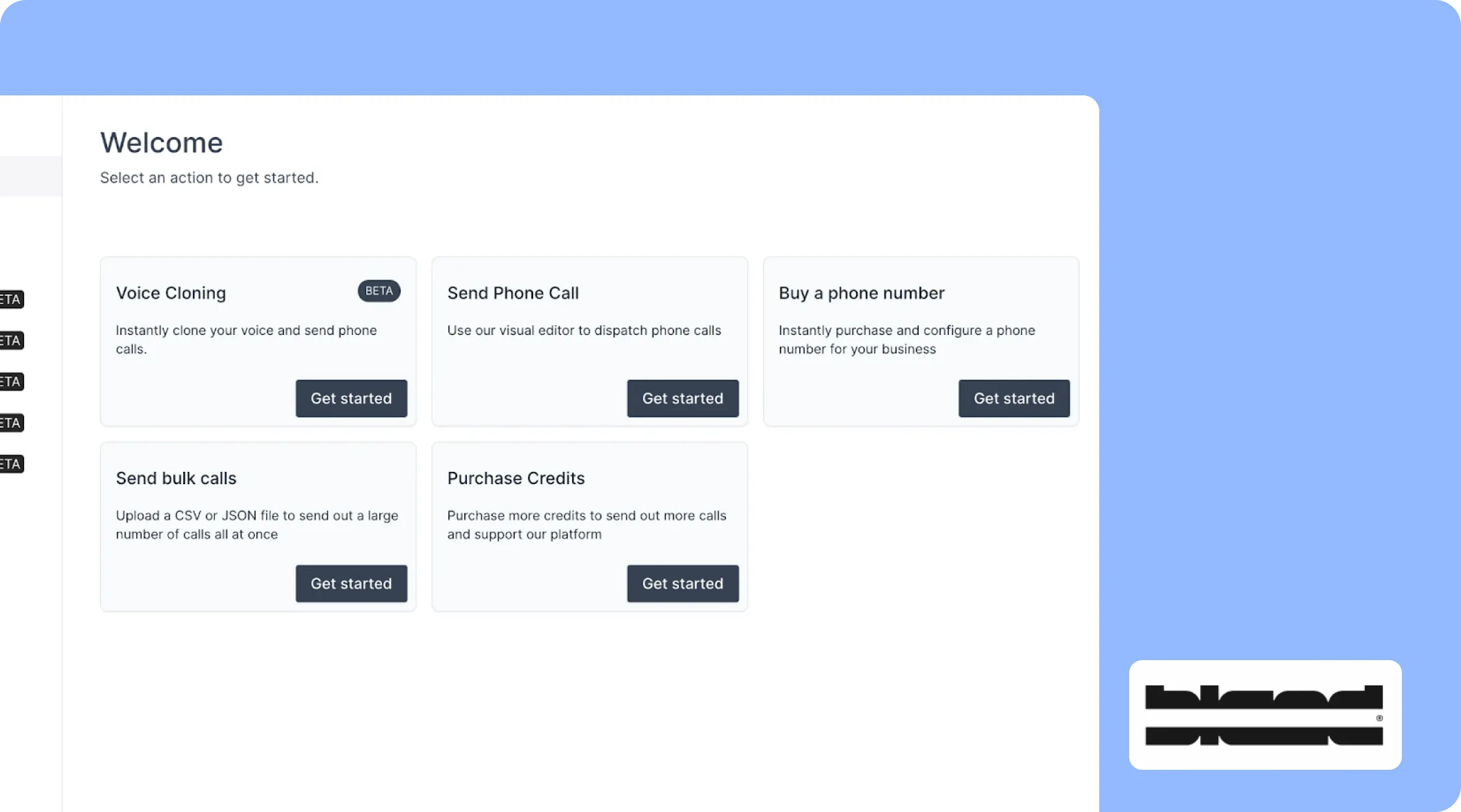
Bland AI is the best option for large firms that want to build custom voice agents and have technical help to run them. It is a voice AI platform that your team configures from the ground up.
You design call flows, connect your own systems, and control how the agent behaves. Enterprise plans include engineers who build the deployment with your team.
Key features
- Custom call flows. Build branching intake paths with conditional logic.
- Warm and live transfers. Available on enterprise plans for handing calls to staff.
- Security. Bland's pricing page lists SOC 2 Type I and Type II, HIPAA eligibility with a signed BAA, GDPR, and PCI DSS.
- Deployment options. Enterprise customers can run on-premise or in a private cloud.
- Scale. Handles high call concurrency for mass tort and high-volume campaigns.
Pricing: The self-serve Start plan costs $0.14 per minute with no platform fee. The Build plan costs $299 per month plus $0.12 per minute. Enterprise pricing is custom.
Pros
- Full control over call logic, voices, and data.
- Strong compliance options for firms with strict security reviews.
- Built for very high call volume.
Cons
- Requires technical skill or a paid implementation to get right.
- No legal intake templates out of the box.
- Enterprise rollouts follow a 28-day deployment process.
Best for: Mid-size to large firms, multi-office practices, and mass tort operations with IT staff or budget for engineering support.
AI Call Center Comparison Table
AI Answering offers flat monthly plans, Smith.ai bills per call, and Dialzara, CloudTalk, and Bland AI bills by the minute. Use this table to narrow your shortlist to two or three demos.
If you get 100+ calls a month and want a fixed bill, start with the flat-rate options. If you get fewer calls but many are sensitive, a hybrid model with live agents may be worth the higher per-call cost.
What AI Call Centers Can and Can't Do for Law Firms
AI agents handle repetitive intake tasks, but legal decisions and sensitive conversations still require attorneys and staff.
What AI Call Centers Can Handle
- Answering calls 24/7, including nights and weekends
- Handling multiple calls at the same time
- Asking consistent intake questions
- Conducting bilingual intake in English and Spanish
- Booking consultations and sending reminders
- Answering routine questions about hours and directions
What Attorneys and Staff Should Handle
- Giving legal advice and assessing case outcomes (attorneys only)
- Identifying and resolving conflicts of interest under attorney supervision
- Deciding whether to accept or decline representation (attorneys only)
- Setting fees and negotiating engagement terms under attorney supervision
- Supporting callers in crisis who need human assistance
- Explaining legal strategy to existing clients (attorneys only)
Ethics, Confidentiality, and Compliance Checks
Law firms using AI call centers remain responsible for protecting client information, supervising AI use, and following applicable legal and ethical rules. ABA Formal Opinion 512 outlines how existing professional duties apply to generative AI tools.
Before choosing an AI call center, consider these requirements:
- Attorney supervision: Attorneys must understand the AI's limitations, oversee its use, and prevent it from providing unauthorized legal advice.
- Client confidentiality: Protect prospective client information under ABA Model Rule 1.18, including information from callers the firm does not represent.
- Call recording and AI disclosure: Check applicable state laws on recording consent and disclosing AI use to callers.
- Outbound calling: AI-generated voice calls may require prior consent under the TCPA. Callbacks, reminders, and solicitation must also follow applicable rules.
- Vendor security: Check encryption, data retention, access controls, AI training policies, independent security audits, and BAA availability where applicable.
This is general information, not legal advice. Review applicable state bar guidance and legal requirements before implementing an AI call center.
Tips on Choosing an AI Call Center for Your Firm
The right AI call center is the one that fits your call volume, your practice area, and the software you already use. Follow these steps to pick one and launch it in about two weeks.
Measure Your Current Calls
Pull 30 days of call logs from your phone provider. Count total calls, missed calls, after-hours calls, and calls by hour of day. This tells you whether flat-rate or per-call pricing will cost less. It also shows when you need coverage most.
Secret Shop Your Own Firm
Call your firm at 12:30 p.m., 6:15 p.m., and on a Saturday. Note who answers, how long it takes, and what happens next. Use your notes as the "before" picture.
Write Down Your Intake Rules
List the case types you accept and the ones you refer to. Add your must-ask questions, your conflict check fields, and what counts as urgent.
This document becomes the script the AI follows. A clear script is the biggest factor in intake quality.
Shortlist Two or Three Vendors
Use the comparison table above to match vendors to your needs. A five-person PI firm and a 50-attorney insurance defense firm will land on different picks.
Run Live Demos With Your Real Scenarios
Ask the vendor to run a call using one of your actual intake scenarios. Check how the AI handles unexpected answers, transfers calls, and records information.
These questions separate good vendors from weak ones:
- What happens when a caller goes off-script or asks for legal advice?
- Can you show a warm transfer with the caller's details passed along?
- Does the integration create new contacts and matters in our software, or only add notes?
- How do we edit the script ourselves, and how fast do changes go live?
Start With After-Hours and Overflow
Launch the AI on nights, weekends, and calls your team can't reach within three or four rings. Your staff keeps the main line during the day. This lowers risk while your team gets used to the summaries and handoffs.
Review Calls Weekly for the First Month
Read 10 to 20 transcripts each week. Look for questions callers found confusing, missed details, and bookings that shouldn't have happened. Fix the script, then expand coverage once the results look right.
Final Thoughts
The best AI call center for your law firm is the one that answers every call, asks your intake questions, and puts the results where your team works. For most small and mid-size firms, AI Answering covers that at a fixed monthly price.
If your callers often need a human voice, look at Smith.ai. If you want low-cost AI intake in several languages, look at Dialzara. If you're also replacing your phones, try CloudTalk, and if you have engineers and high volume, consider Bland AI.
Whichever you choose, start small. Cover after-hours and overflow first, read the transcripts, and fix your script before you hand over the main line.
Frequently Asked Questions
What is the best AI call center for law firms with 2 to 10 employees?
AI Answering and Smith.ai fit most small firms with 2 to 10 employees. AI Answering covers inbound and outbound calls at a fixed monthly price. Smith.ai costs more per call but adds live receptionists for sensitive conversations.
What is the best AI call center for solo attorneys?
AI Answering is a strong choice for solo attorneys, with a Starter plan at $45 a month for 30 calls and pay-as-you-go pricing at $1.50 per call. Dialzara starts at $29 a month for 60 minutes of AI answering. Smith.ai's AI plan, at about $95 for 50 calls, is another option if you may want live receptionists later.
What is the best AI call center for mid-sized law firms?
Mid-sized firms with 11 to 50 employees often do well with AI Answering or Smith.ai. CloudTalk suits firms that want to replace their phone system and route calls across many staff. AI Answering and Smith.ai suit firms that want to keep their phones and add AI intake on top.
What is the best AI call center for large or multi-office law firms?
Large firms, multi-office practices, and mass tort operations often choose Bland AI or CloudTalk. Bland AI allows fully custom call flows, private deployments, and very high call volume. It works best when you have IT staff or budget for engineering help.
What is the best AI call center for law firms with Spanish-speaking clients?
AI Answering and Smith.ai both offer English and Spanish intake. CloudTalk's AI receptionist supports more than 60 languages, which helps firms serving many language groups. Ask each vendor for a live Spanish demo using your own script.
What is the best AI call center for law firms using Clio?
Smith.ai and CloudTalk list native Clio integrations, and Smith.ai also connects with MyCase and Lawmatics. Dialzara connects to Clio through Zapier, so test what data reaches your account before you sign.
Can AI really handle legal intake calls?
Yes, AI handles routine intake well when it follows a clear, practice-specific script. It can collect contact details, case facts, conflict names, and urgency, then book a consultation. Your attorneys still decide whether to take the case.
Is it ethical for lawyers to use an AI answering service?
Yes, as long as you meet your existing duties of competence, confidentiality, and supervision. ABA Formal Opinion 512 (2024) explains how those rules apply to AI tools. Review your vendor's security practices and your state bar's guidance before launch.
Will callers know they are talking to AI?
Many callers can't tell, because modern AI voices sound natural and respond without long pauses. We still recommend disclosing it in your greeting. It builds trust and keeps you ahead of changing state disclosure rules.
Does an AI call center work with Clio, MyCase, or Filevine?
Most legal-focused AI call centers integrate with Clio, and many also connect to MyCase, Lawmatics, or Filevine. Ask whether the integration creates contacts and matters automatically or only attaches call notes. Test it with a dummy contact before going live.
What's the difference between an AI call center and a virtual receptionist?
An AI call center uses voice AI agents to answer and route calls. A virtual receptionist is usually a remote human. Hybrid services combine both, with AI answering first and people taking escalated calls.
How long does it take to set up an AI call center?
Self-serve platforms can go live in a day or two once your script is ready. Expect one to two weeks to test and tune intake properly. Enterprise builds with custom integrations can take about a month.